
Meta description: Slow internet? Try these 7 proven tips to boost your home Wi-Fi speed, reduce lag, and enjoy smoother streaming and browsing.
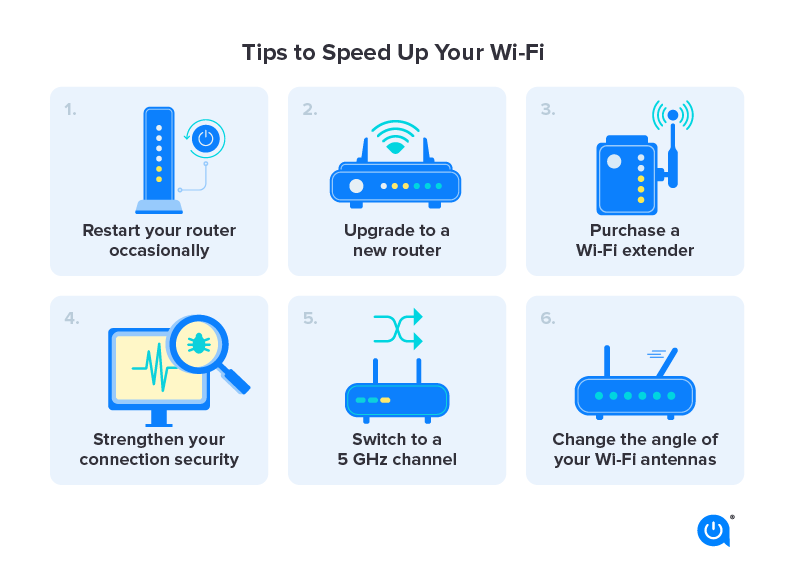
1. Restart your router and modem
Power-cycling your equipment clears temporary glitches and can instantly improve performance. Unplug for 30 seconds, then plug back in.
2. Place your router in a central location
Wi-Fi signals weaken through walls and metal objects. Keep your router elevated, away from microwaves, cordless phones, and large appliances.
3. Switch to the 5 GHz band
Most modern routers offer both 2.4 GHz and 5 GHz bands. The 5 GHz band is faster and less crowded—ideal for streaming and gaming.
4. Limit background devices and apps
Too many devices or apps (like cloud backups or video calls) can hog bandwidth. Pause unnecessary downloads and disconnect unused devices.
5. Update your router’s firmware
Manufacturers release updates to fix bugs and improve security. Check your router’s admin panel or the manufacturer’s website for updates.
6. Use an Ethernet cable for critical devices
For gaming consoles, smart TVs, or work laptops, a wired connection provides faster, more stable speeds than Wi-Fi.
7. Consider upgrading your plan or equipment
If you’ve tried everything and speeds are still slow, your ISP plan may be outdated—or your router may need replacing. Look for plans with higher Mbps and routers supporting Wi-Fi 6.